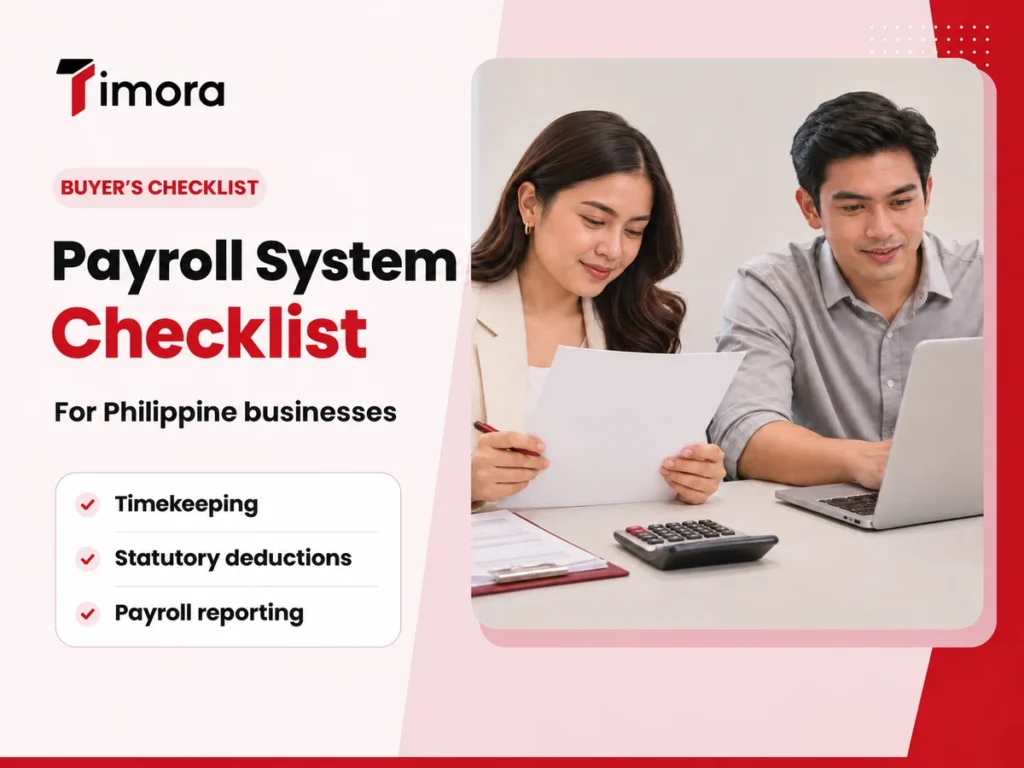
The best payroll system in the Philippines depends on your business requirements. A team with rotating shifts may need flexible timekeeping and overtime rules. A team switching systems midyear may care more about importing payroll balances and reconciling year-end reports.
Here are nine things to check before you choose:
- Pay rules and statutory deductions
- Timekeeping and leave approvals
- Payslips, payroll registers, and exports
- Access controls and change history
- SSS, PhilHealth, and Pag-IBIG contributions
- BIR withholding tax and payroll forms
- 13th-month pay
- Setup, migration, and payroll support
- Customer reviews and references
Use this list to decide what to test in a demo. Bring a few fictional employee records that reflect the situations your payroll team handles. A late overtime approval or a midyear hire can show how timekeeping, approvals, and payroll reports work together.
Pay rules and statutory deductions
Ask each provider to explain how the system calculates gross pay, deductions, and net pay for one affected employee. Test cases that match your workforce, such as an overnight shift, overtime on a rest day, or an employee who starts midway through a pay period. Have your payroll team calculate the expected results and compare each line with the software output.
Ask how the system handles a change in pay rate during the period. Check whether the payslip makes the adjustment easy to explain. Give the employee and payroll team the same example and see whether both can identify what changed.
Timekeeping and leave approvals
Trace an employee’s hours from the raw time record to the payslip. Include a missed punch and approved unpaid leave in the test. Ask who can correct an entry, who approves it, and where the payroll team sees it. Then check what happens if approval comes after payroll closes.
If you use biometric devices, bring the model numbers and describe how each site sends its logs. Ask what happens when a device misses a sync or when a worker’s device ID differs from their employee record.
Payslips, payroll registers, and exports
Request sample payslips, a payroll register, and any bank or accounting file you need. Give the samples to the people who will use them. Have finance check whether the accounting export contains the fields it needs for reconciliation. If you pay through a bank upload, ask your bank to confirm the file format it accepts.
Test the export after a correction as well. For example, ask for an updated payroll register after changing an approved overtime entry. Have finance check that the adjusted totals match the payslip and that the bank file reflects the final amounts. If your team uses different cost centers, check whether the export shows the details needed to assign payroll costs correctly.
Access controls and change history
Ask each provider to show how it separates employee, supervisor, HR, finance, and administrator access. Check who can change pay rates, see bank details, and approve payroll. Request a sample change history so your team can see who edited a record and when. Ask how the system handles access when an administrator leaves the company.
SSS, PhilHealth, and Pag-IBIG contributions
Check each agency’s rules separately. Ask the provider to show which contribution schedules it uses and when the schedules took effect. Run examples across different salary levels and compare the employee deduction and employer share against the applicable rules. Ask who updates the settings when an agency changes a schedule. Use the SSS business employer contribution schedule, the PhilHealth employer payment and reporting procedures, and the Pag-IBIG Fund member services circulars.
Ask who reconciles the amounts, submits reports, remits payments, and keeps payment confirmations. Get those responsibilities in writing, especially if your contract includes managed payroll services.
BIR withholding tax and payroll forms
BIR Form 1601-C is the monthly remittance return for income tax withheld on compensation. BIR Form 2316 is the employee certificate of compensation payment and tax withheld. For each form, ask what the software generates, what your team must review, and how filing or issuance works. During a migration, check how historical payroll appears in the new system. Have your team trace a sample employee certificate back to the payroll register and confirm where any prior-employer information belongs. See the BIR instructions for Form 1601-C and the BIR circular covering Form 2316.
13th-month pay
Eligible rank-and-file employees in the private sector generally qualify after working at least one month during the calendar year. The minimum 13th-month pay is one-twelfth of the total basic salary the employee earned during that year. For 2026, DOLE confirms payment is due on or before December 24. See DOLE’s 2026 guidance on 13th-month pay.
In a demo, use a midyear hire, an employee who received a salary increase, and an eligible employee who resigned. For each case, ask the vendor to show the earnings included in the calculation. Compare the results with your own payroll records.
Setup, migration, and payroll support
Request a written quote that covers subscription fees, setup, training, migration, integrations, and support. Ask which employee records and year-to-date balances the vendor can import. Check the support hours and escalation process for an issue near payday. Include the cost of any extra work your team would need after launch.
Before signing, ask for a rollout plan with owners and dates. Find out who prepares the employee files, who checks imported balances, and who signs off on the first pay run. If you change providers later, ask which records you can export and in what format.
Customer reviews and references
Start with reviews written by payroll administrators, HR managers, or finance staff in businesses similar to yours. A review about checking payslips speaks to the employee experience. A payroll administrator can tell you what it took to import records, fix a cutoff error, or prepare a report.
Check the review date and look for details about the reviewer’s country, role, and company size. Read the platform’s disclosures about reviewer invitations or incentives, when available. If several reviews mention an issue, turn it into a demo question. For example, ask the vendor to show how to correct an approved pay run and who needs to authorize the change.
If you find few relevant reviews, ask for a customer reference with a similar headcount, payroll schedule, and work setup. Ask what took the most time during rollout and what they would check earlier if they had to switch again.
How to run a payroll demo you can compare
Examples of payroll software you can evaluate include GreatDay HR, Sprout Payroll, and Timora. Ask each provider to demonstrate the same scenarios so you can compare how the systems handle your requirements.
| What to bring | What to ask the provider to show |
|---|---|
| A normal pay period with expected totals | Gross pay, deductions, net pay, and a sample payslip |
| A missed punch or late leave approval | Who makes the correction and when it reaches payroll |
| A midyear hire with year-to-date records | How opening balances carry into year-end reports |
| A sample bank or accounting file | Whether the export matches the format your team uses |
Use the same anonymized employee records and pay period for every demo. Include one routine employee, one attendance exception, one late correction, and one year-to-date record. Give each vendor your written pay rules and the expected outputs.
Collect a payroll register, sample payslips, contribution totals, and one reporting export. Record each manual step along the way. Then ask the people who will use the system to try the tasks themselves. For the rollout, agree on a parallel pay run so your team can compare results with your current process before switching.
When you compare written quotes, keep your demo notes beside them. Mark which workflows the provider demonstrated and which ones need follow-up. If a required export or approval step needs extra setup, ask for the cost and who will complete the work before your first live payroll.
Frequently asked questions about Checklist Before You Buy Payroll System in the Philippines
What should a payroll system in the Philippines calculate?
Look for gross pay, deductions, and net pay, with support for applicable SSS, PhilHealth, Pag-IBIG, and BIR withholding calculations. Check how the system handles overtime, holiday work, night differential, and 13th-month pay for your workforce.
Can payroll software file and remit payments for my business?
It depends on the provider and your agreement. Ask the vendor to show where calculation ends, where submission takes place, and who authorizes payment. Confirm who keeps receipts and handles any rejected submissions.
How much does payroll software cost in the Philippines?
Costs vary by provider, headcount, and service scope. Ask for a first-year quote that includes the subscription, setup, migration, training, and integrations. Get the renewal price and confirm how the bill changes if your headcount grows.
How do I compare payroll software with payroll outsourcing?
With payroll software, your team typically runs payroll using the provider’s platform. With outsourcing, a service provider performs the tasks listed in your agreement. Compare who prepares the run, reviews exceptions, approves payment, files reports, and follows up on discrepancies.
What should I prepare before switching payroll systems?
Gather employee records, approved pay rules, attendance balances, and year-to-date payroll totals. Identify who checks each data set and signs off on the first run. Use anonymized data when asking shortlisted vendors to demonstrate the workflow.
Put your shortlist through a sample pay run
Choose a system your team can use to reproduce your pay rules and explain each adjustment. Record how much work payroll, supervisors, and finance still need to do after the software calculates pay.
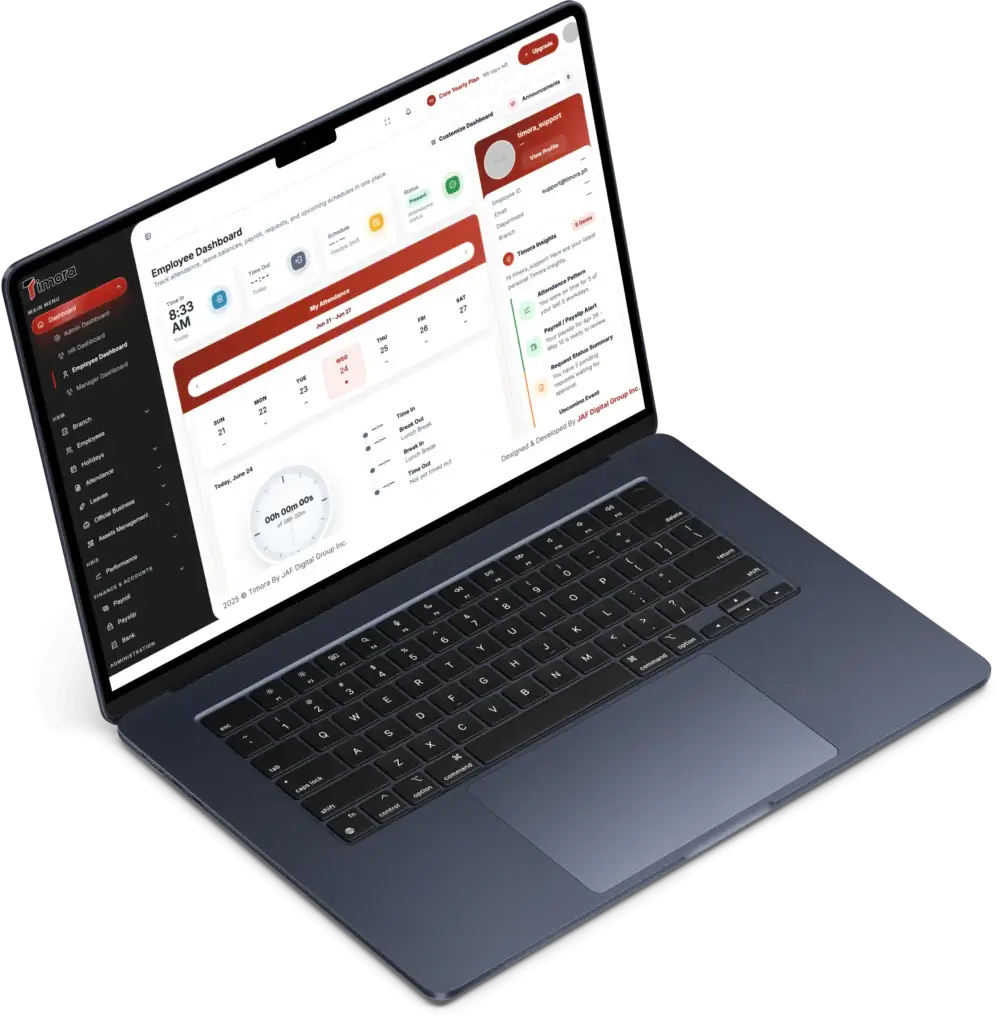
The Timora Payroll System connects attendance, leave, and payroll. Timora’s product documentation lists calculations for SSS, PhilHealth, Pag-IBIG, and BIR withholding tax. If those features fit your shortlist, book a Timora payroll demo and bring the scenarios from this checklist.